Subtitles done properly
Embedded and external SRT, ASS/SSA and VTT, rendered with libass so styled subtitles look the way their author meant. A subtitle file next to the video is found on its own.
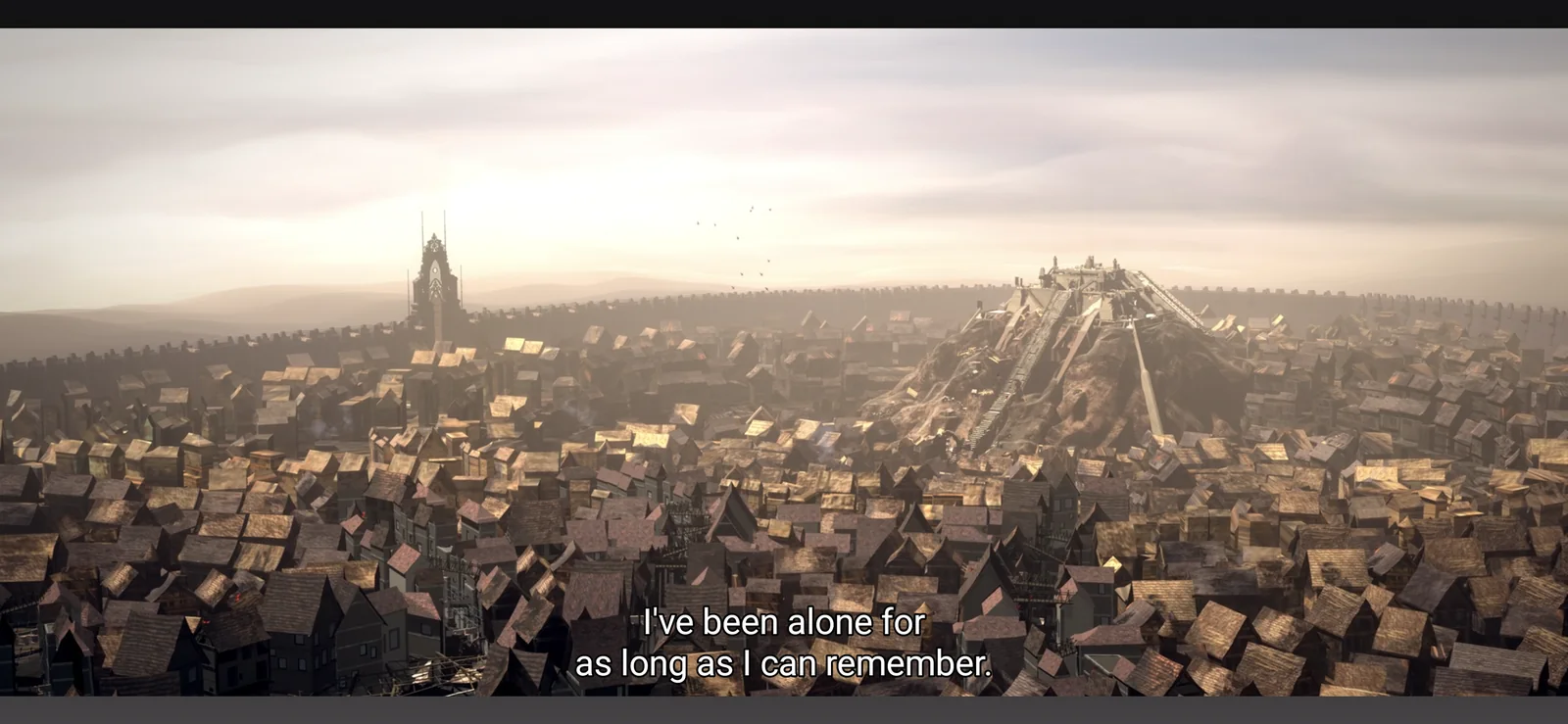
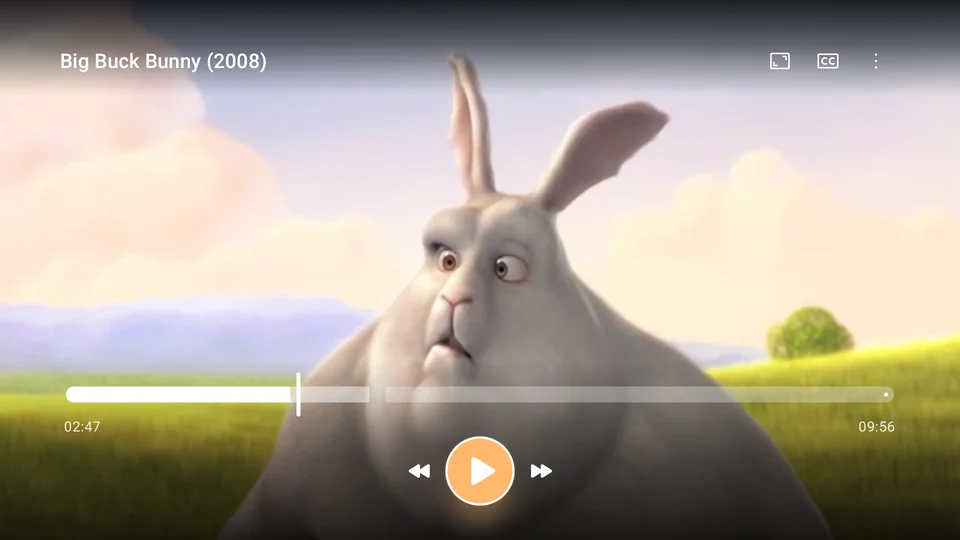
Lanelo plays almost anything you throw at it, from MKV and 4K HDR to FLAC, with subtitles done properly. On your phone, your tablet and your Android TV. No ads, no account.
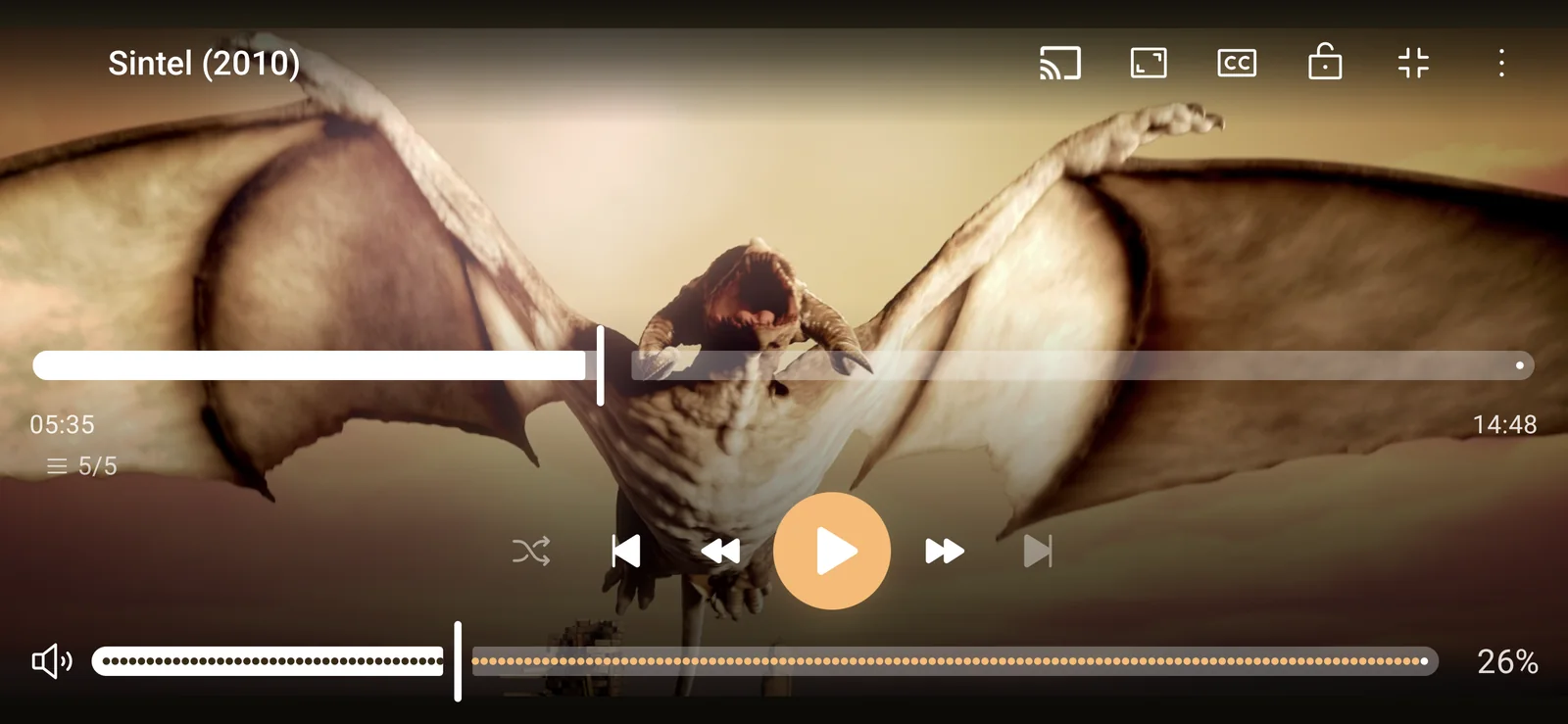
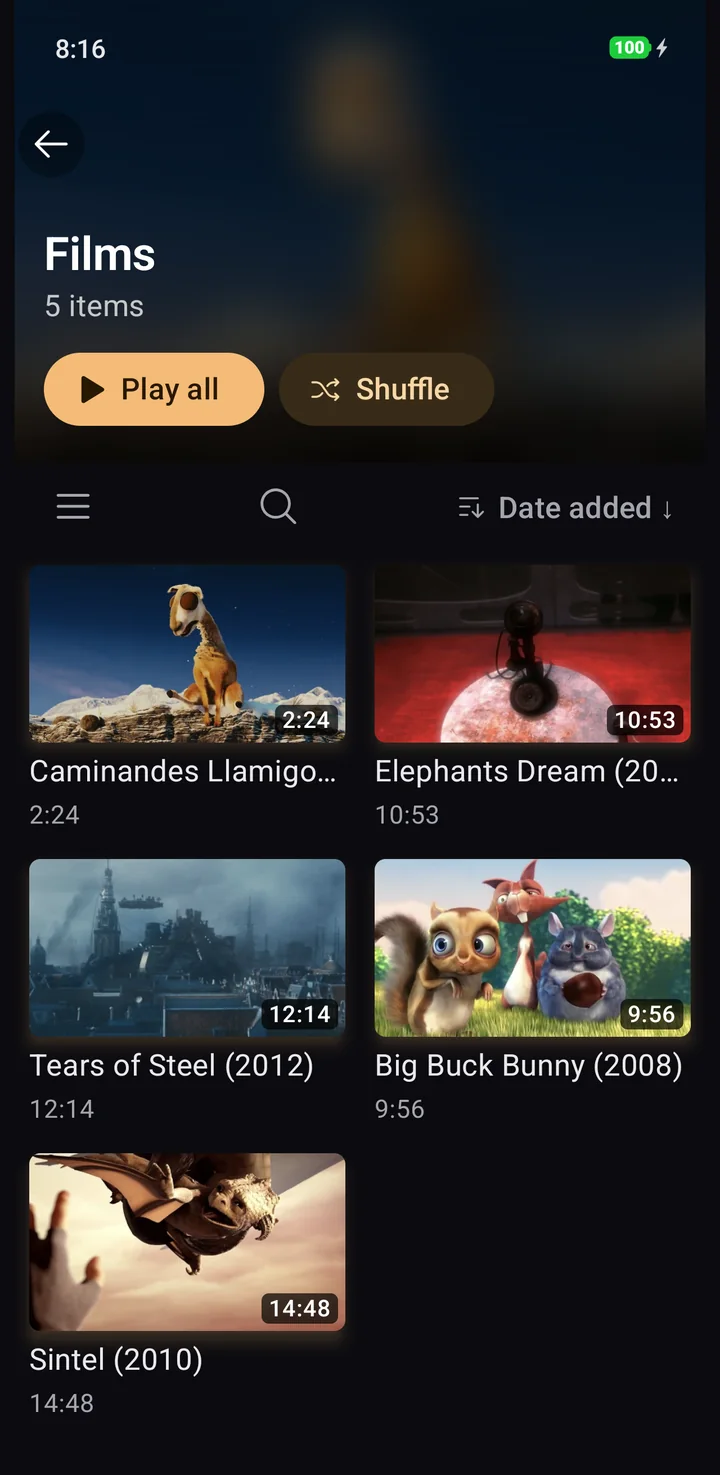

Common files take Android's fast hardware path through Media3. Everything else goes to libmpv with FFmpeg and libplacebo, so the odd file from an old drive still plays, with picture and sound intact.
Embedded and external SRT, ASS/SSA and VTT, rendered with libass so styled subtitles look the way their author meant. A subtitle file next to the video is found on its own.
No subtitles in your language? Lanelo transcribes the film with Whisper and translates the result, entirely on the phone. Nothing is uploaded. Or search OpenSubtitles without leaving the player.
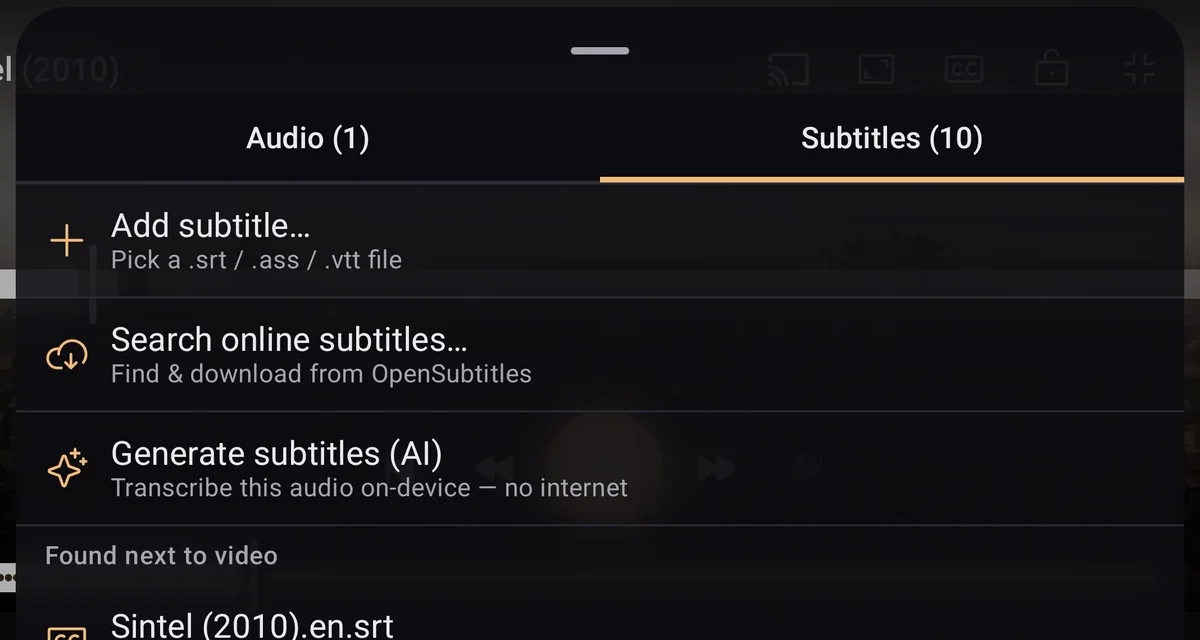
Hardware decoding, HDR10, HLG and Dolby Vision with tone-mapping, passthrough where your display supports it, and AV1 through dav1d. Swipe for brightness, volume and seeking, pinch to zoom, change the speed. All free.
Folders, videos and music in one place, with search, sort, grid or list. Continue watching remembers where you stopped and which tracks you chose.
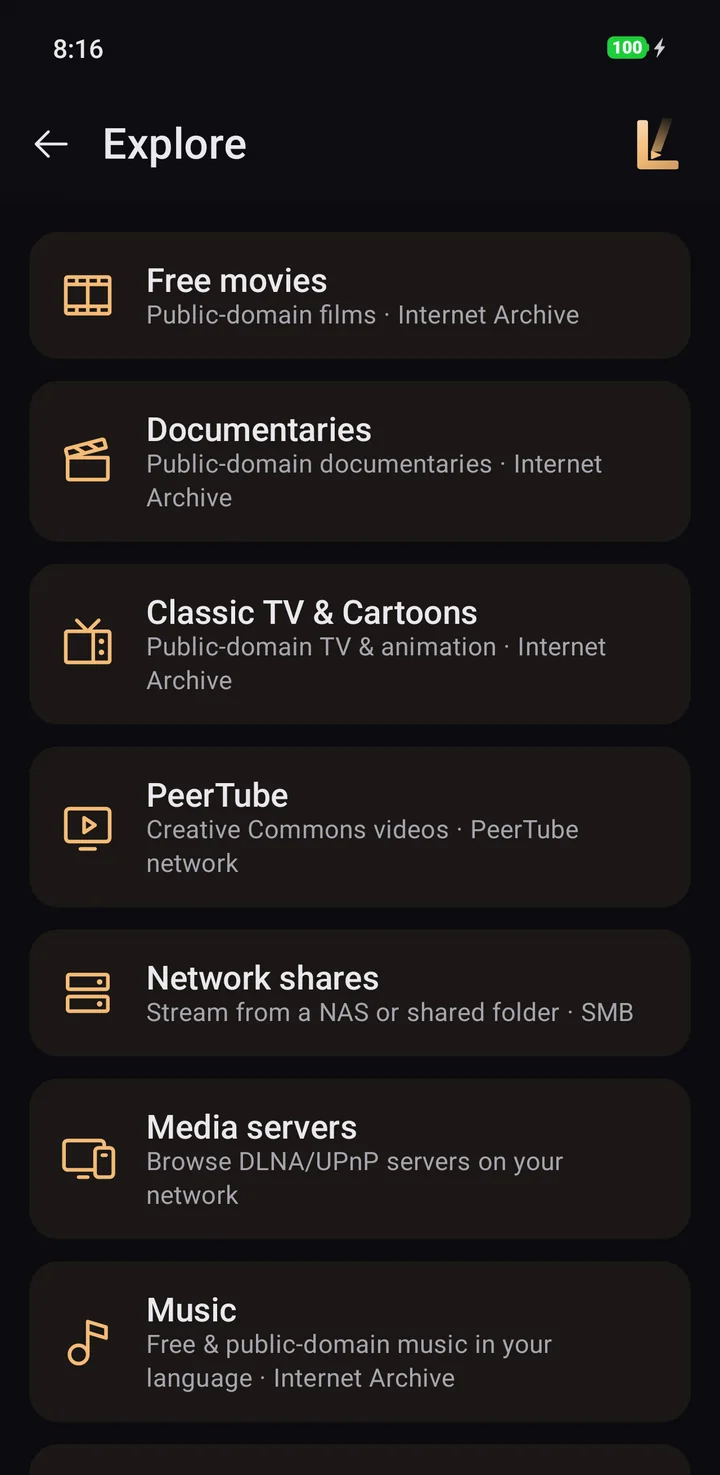
Public-domain films, documentaries and classic TV from the Internet Archive, Creative Commons video, audiobooks, live radio and podcasts. No account needed.
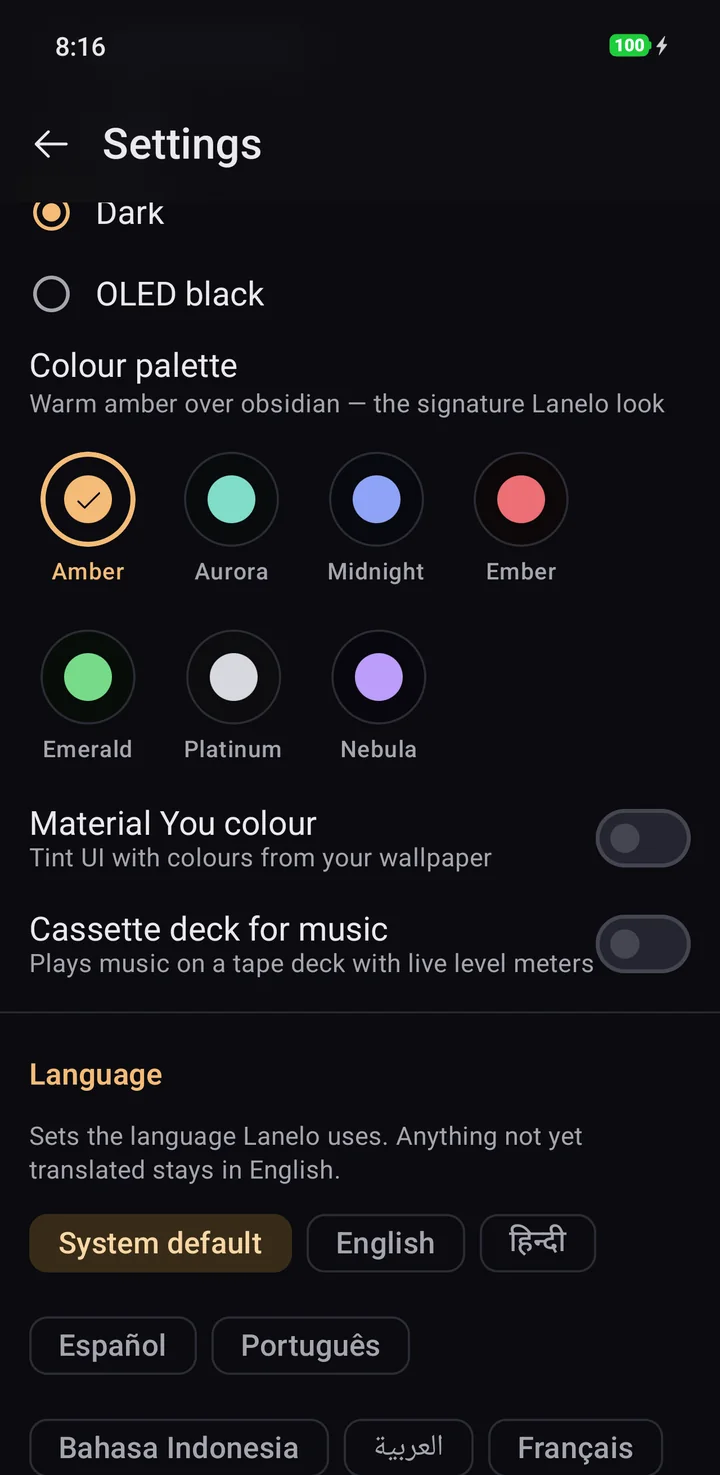
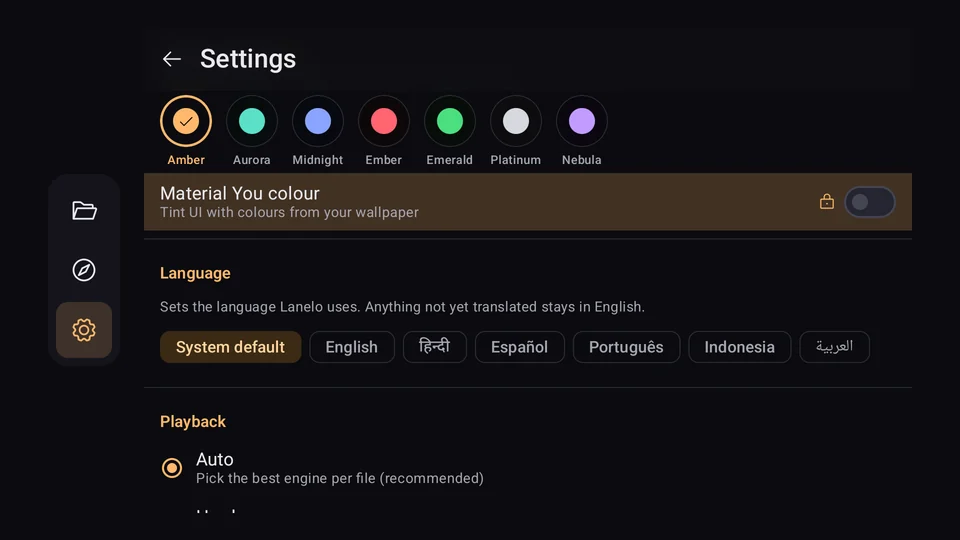
Seven colour palettes and Material You colours from your wallpaper. Light, Dark and OLED black themes are free for everyone.
Hide private videos and music in an encrypted vault, locked with a passphrase and invisible to other apps.
Browse SMB shares and DLNA servers, open HTTP and HLS links, and cast to a Chromecast or Google TV.
A-B repeat, chapters, bookmarks, sleep timer, picture-in-picture, frame capture, picture filters with custom GLSL shaders, playlists and a drag-to-reorder queue.
An offline MP3 and FLAC player with album art and background playback. The Now Playing screen takes its colours from the artwork.
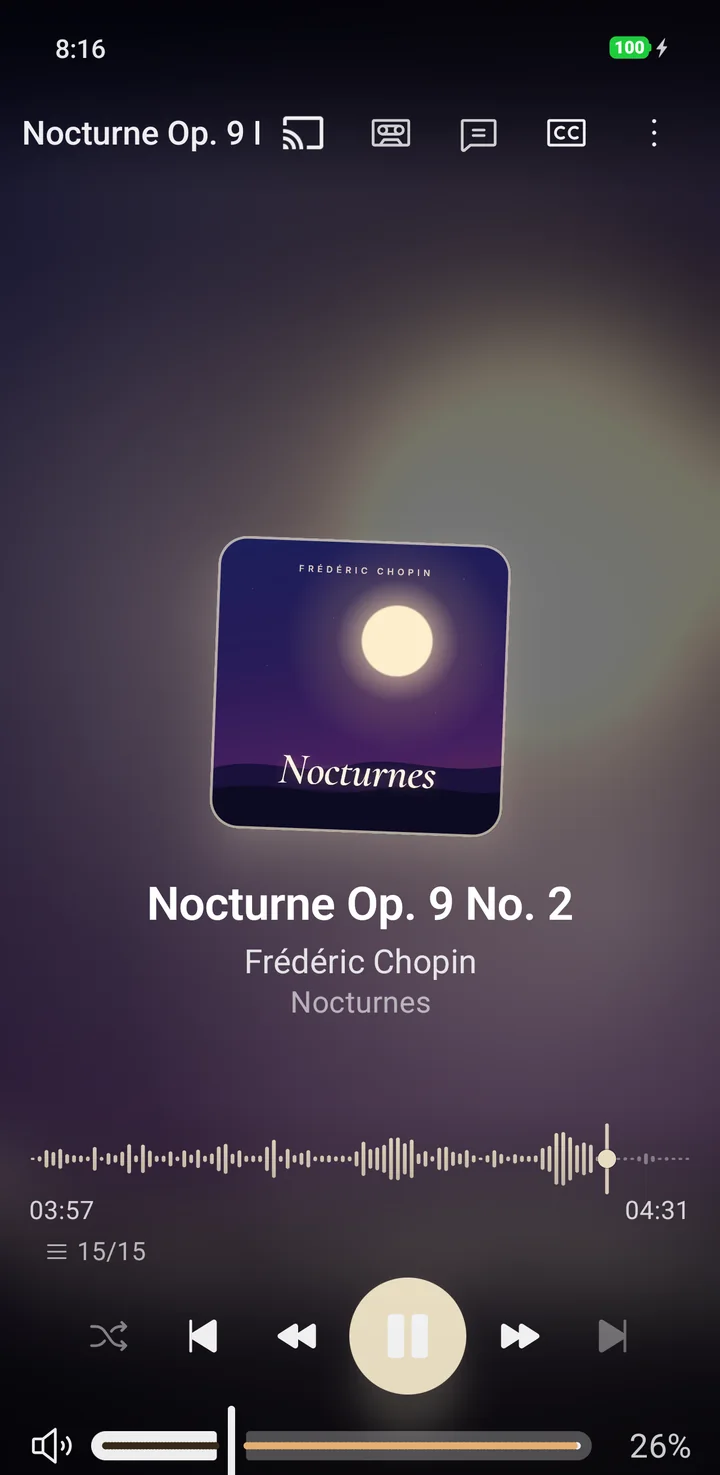
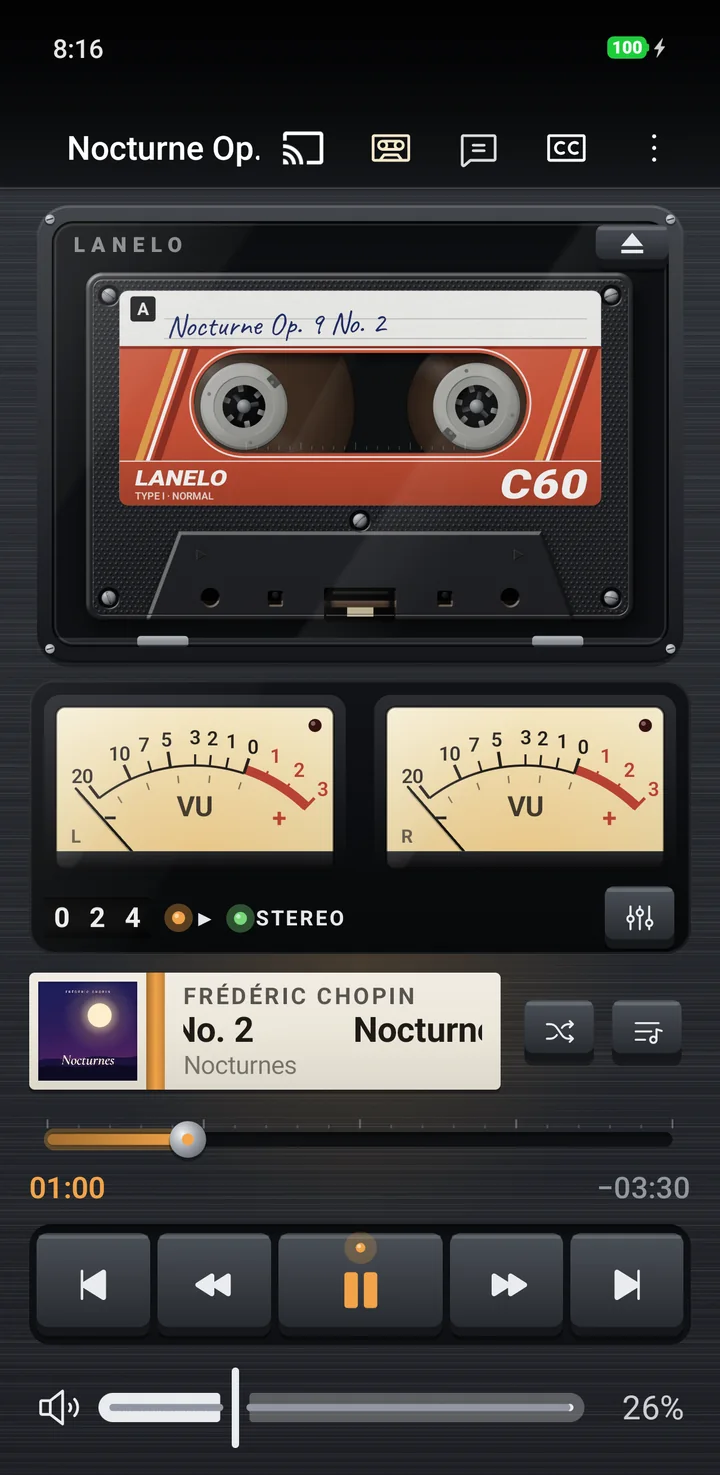
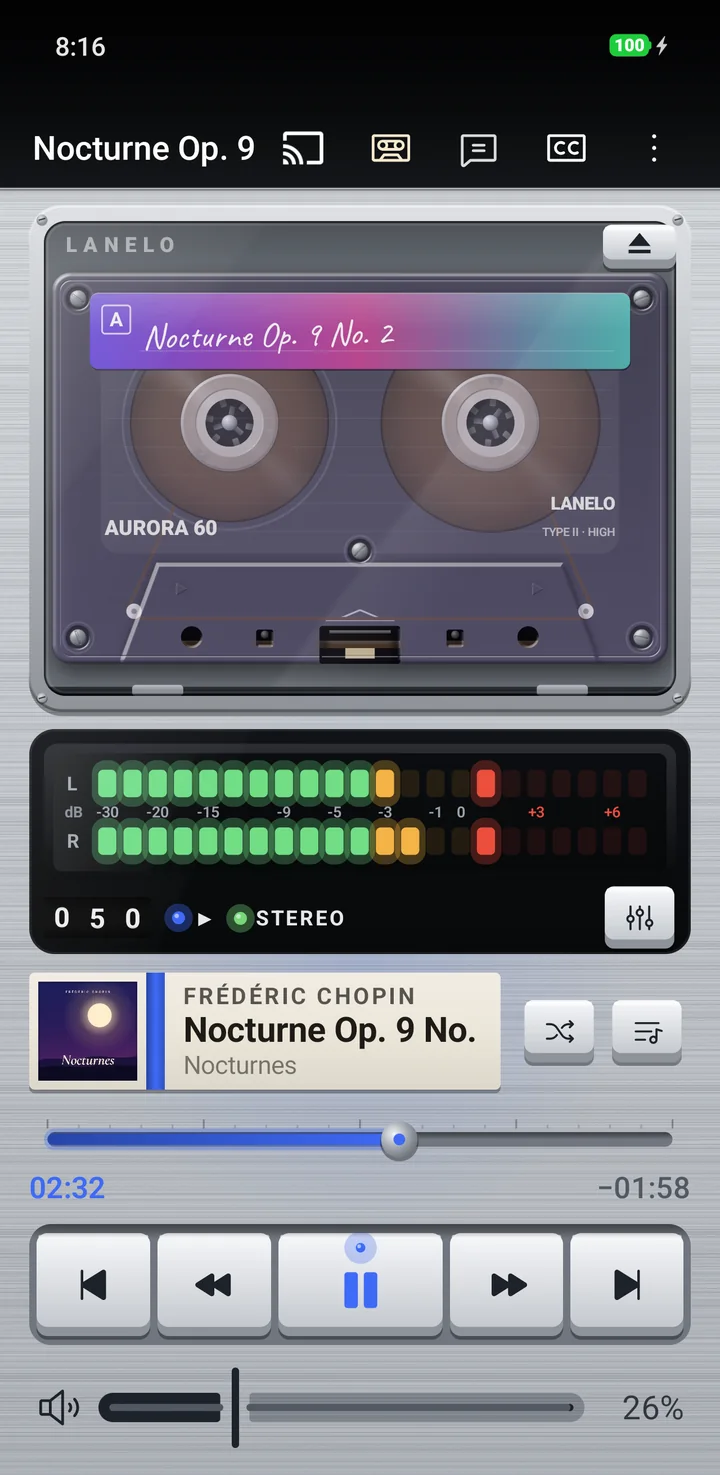
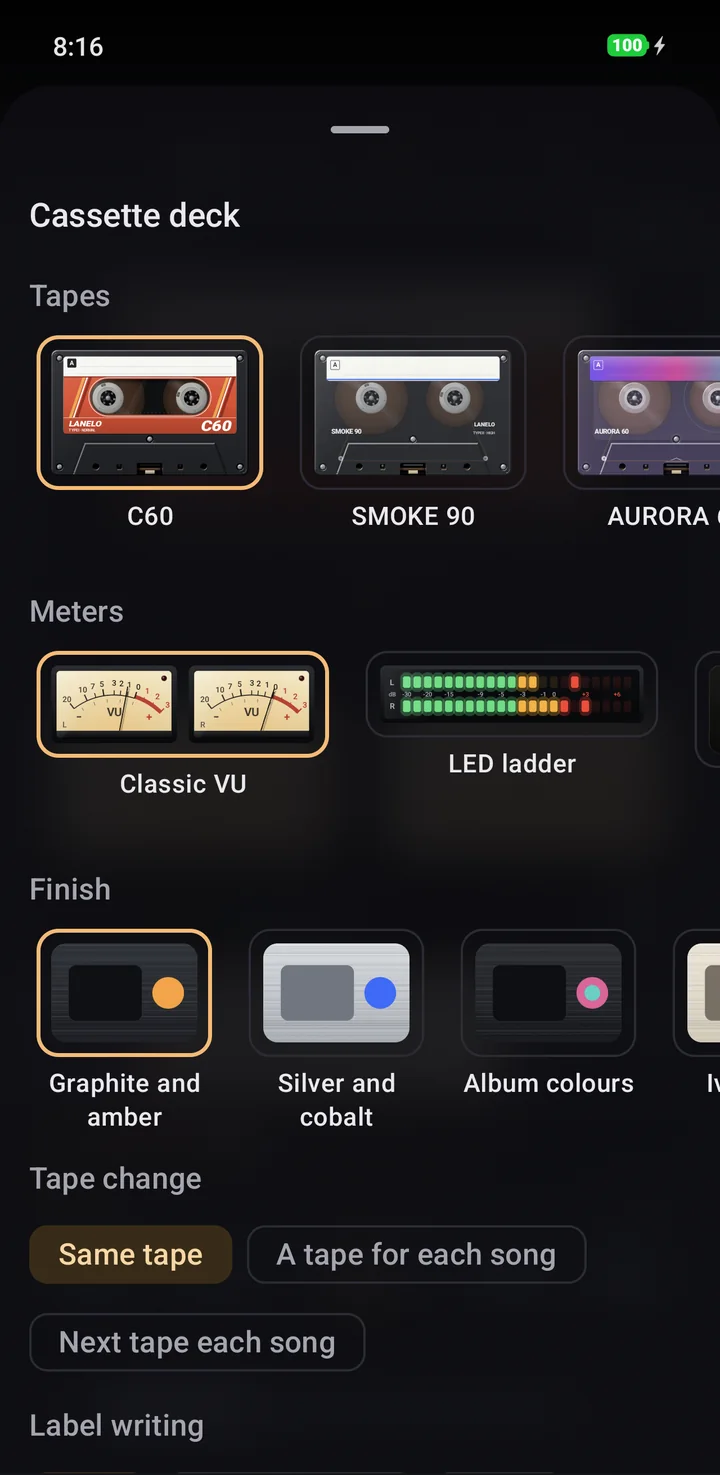
A Now Playing style with turning reels, a handwritten label and live level meters. Pick the tape, the meters and the finish.
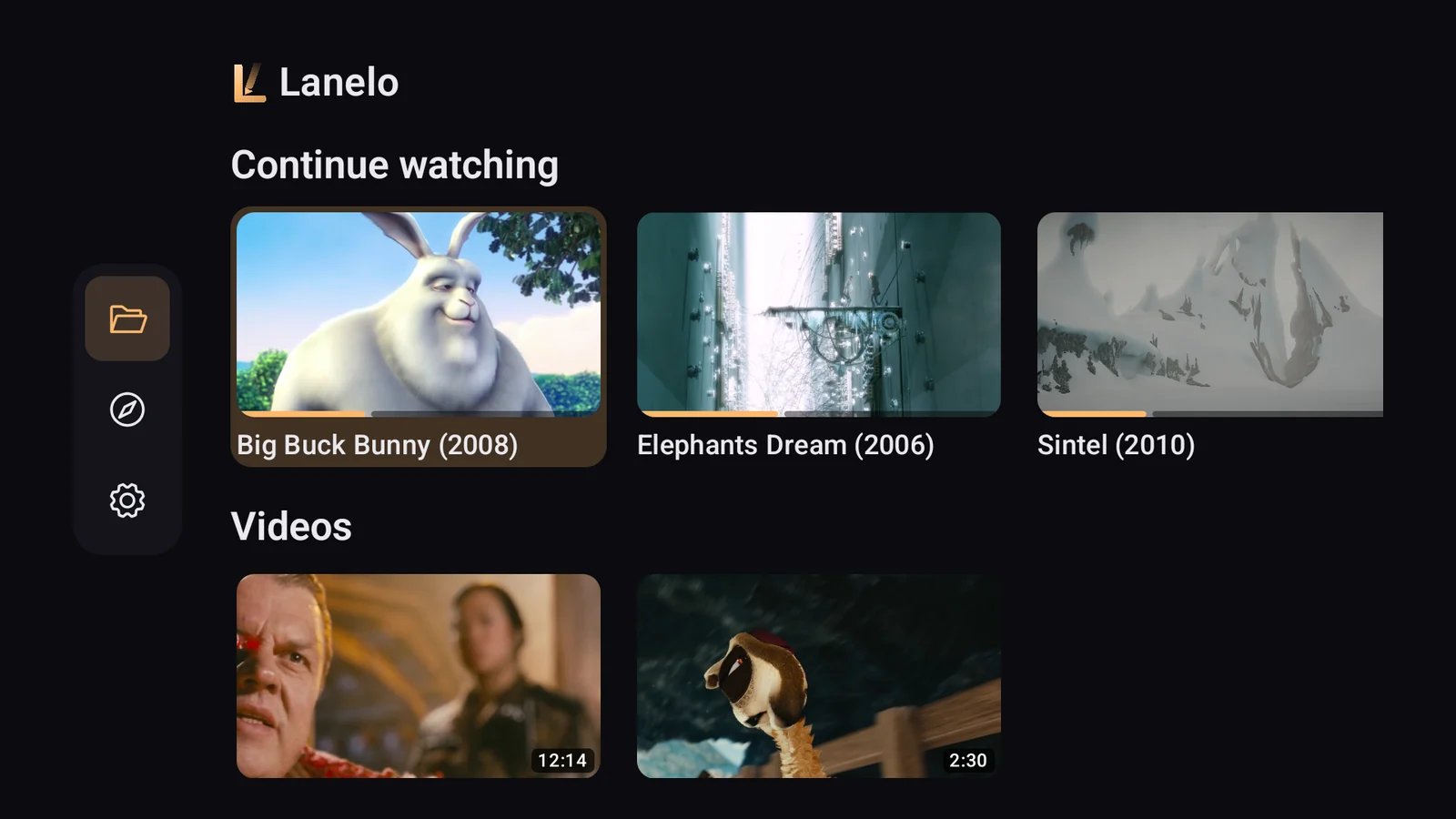
A 10-foot interface built for the remote: a navigation rail, large cards and clear focus everywhere. On Google TV, films you have not finished appear in the Watch Next row.
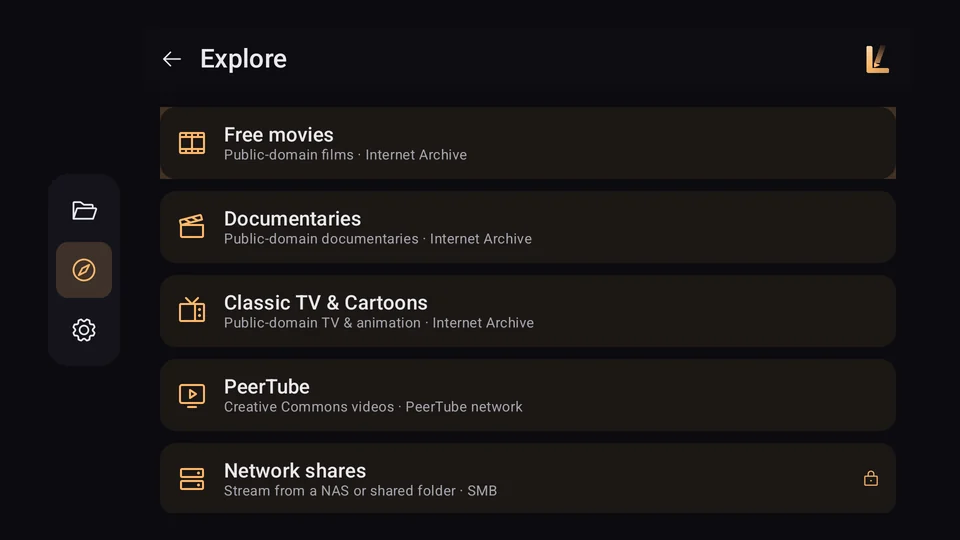
Lanelo goes online only for the features you use, such as a subtitle search, a stream you open or a source you browse in Explore. Google components inside the app send Google their own diagnostic data, as the privacy policy explains.
Playing your own videos and music is free, with no ads and no time limit. Pro is a monthly or yearly subscription, the yearly plan starting with a 7-day trial, or a one-time lifetime purchase.
Everything you need to watch and listen.
Everything in Free, plus:
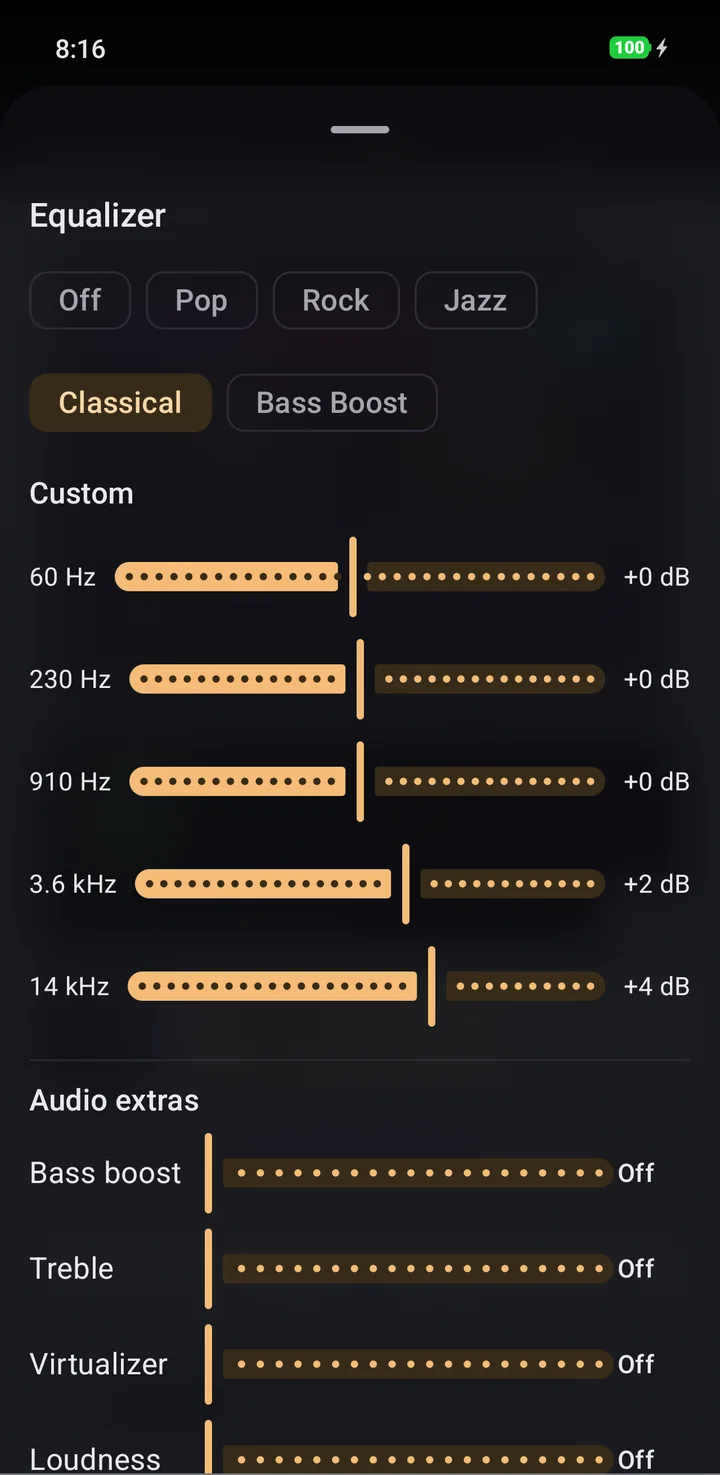
Yes. Playing your own videos and music is free, with no ads and no time limit. Lanelo Pro unlocks extra features such as AI subtitles, the private vault, network shares and Cast, and the equaliser.
Almost all of them: MKV, MP4, AVI, MOV, WebM and TS video, HEVC and AV1, 4K with HDR10, HLG and Dolby Vision, AC-3 and E-AC-3 audio, FLAC, OPUS and DSD, with SRT, ASS/SSA and VTT subtitles.
Yes. Lanelo has a 10-foot interface built for the remote, and on Google TV unfinished films appear in the Watch Next row.
No account, ever. Your own files play fully offline; Lanelo goes online only for features you choose, such as a subtitle search, a stream or a source in Explore.
No. Transcription with Whisper and the translation both run on your device. Nothing is uploaded.
English, Hindi, Spanish, Portuguese, Indonesian, Arabic, French and German, with full TalkBack support and every control reachable from a keyboard or remote.
Write to support@jkcodes.app.

Free on Google Play for Android phones, tablets and Android TV.
